
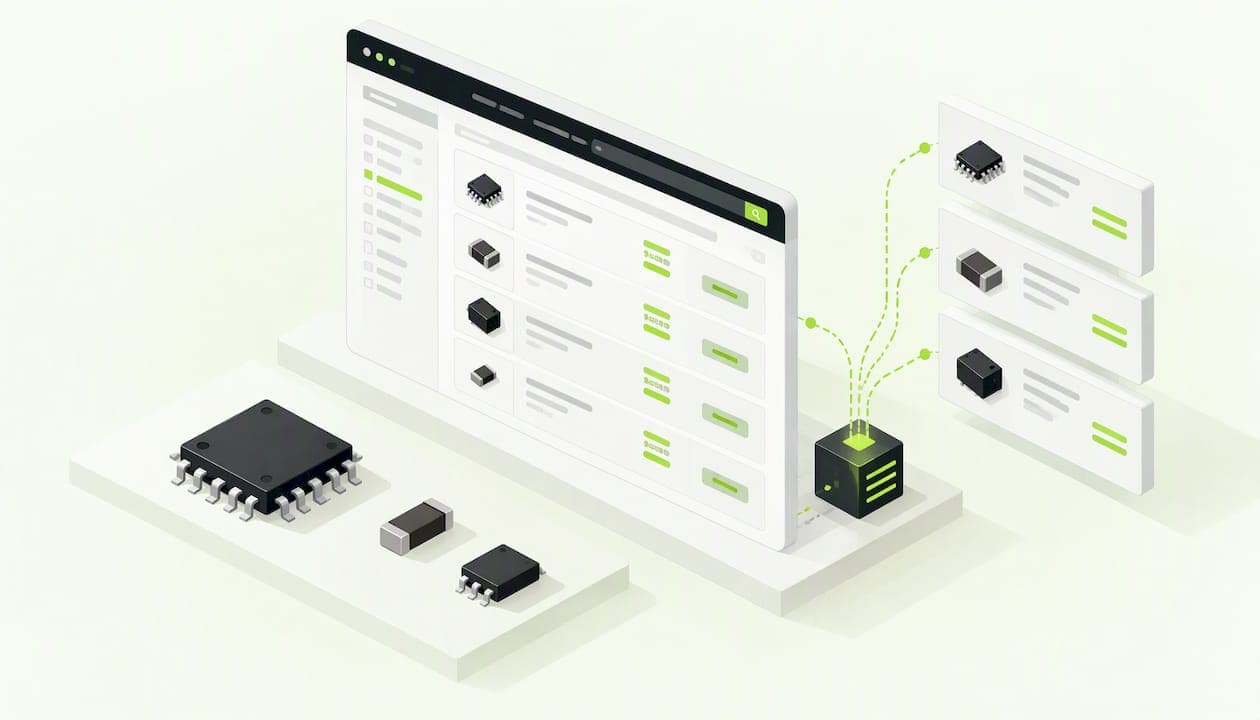
A live pricing feed is a connection that pulls price and stock for a part straight from a distributor's system while you look at it, instead of showing a copy saved hours or days ago. For electronic components, the word "live" is used loosely. Some tools query a distributor's interface on demand, some refresh from periodic file drops, and some show whatever was last stored. The difference decides whether the part on your screen can actually be ordered at the price you see.
This guide explains the three kinds of feed, how to tell which one you are looking at, and how to price a prototype or low-volume build (1 to 1,000 pieces) without being surprised at checkout.
TL;DR
- "Live" can mean a direct API call, an hourly file export, or a cached snapshot. Only the first gives sub-minute freshness.
- Search sites that aggregate many distributors mostly show cached data, so a part can look in stock and be gone when you order.
- Check three things on every price: its source, its age, and the quantity break it applies to.
- Your own contract pricing and bonded stock are usually visible only through authenticated calls to your distributor account.
- At Circuit Center, every result says plainly whether a price comes from a live distributor feed or an older listing.
Table of Contents
- What a live pricing feed actually is
- The three kinds of feed you will meet
- Why cached data causes phantom inventory
- What a feed cannot show you
- How to check freshness on any price
- Real-time pricing for prototype and low-volume builds
- If you are building your own feed integration
- Our perspective
- Pricing your build with live-or-labeled data
- A simple pre-order routine
- Comparing feed claims: a buyer's checklist
- Frequently asked questions
- Sources
What a live pricing feed actually is
A feed is a stream of data from a source to a consumer. In component sourcing, the source is a distributor's catalog: unit price at each quantity break, stock on hand, lead time, minimum order and package type. The consumer is a search site, a BOM tool, a purchasing system or your own script.
The search results that dominate this phrase online are about stock markets: tick data, order books and exchange quotes. Those feeds are measured in milliseconds because millions of dollars move on them. Component pricing is different. A resistor does not change price every second. What changes is stock (a reel sells out) and quantity-break pricing (a price tier moves after a restock). So "live" for components means fresh enough that stock and price are still true when your purchase order arrives.
That is why the useful question is never "is it live?" but "how old is this number, and where did it come from?"
The three kinds of feed you will meet
| Feed type | How it works | Typical freshness | Best for |
|---|---|---|---|
| Direct API call | Your tool asks the distributor's system for one part and gets an answer back (usually REST with JSON) | Seconds to a minute | Final quotes, last-minute stock checks |
| Scheduled file export | The distributor drops a catalog file (often FTP) on a schedule | Hourly to daily | Broad catalog coverage, search indexes |
| Cached snapshot | An aggregator stores an earlier copy and serves it | Whatever the last refresh was | Discovery, first-pass comparison |
A distributor-side write-up on APIs as the modern path for trade customers describes APIs as offering sub-minute freshness, while legacy FTP exports stay the standard for batch replenishment. It also notes that high-volume buyers often use both: APIs for the quotes that matter and file drops for keeping a wide catalog current. That mix is a sensible model for anyone, at any scale.
The same source makes a point engineers often miss: truly sub-minute feeds come from API integrations that query the distributor's primary system, not from a secondary export database. If a vendor says "real time" but cannot tell you whether it is an API or a periodic export, assume the export.
Why cached data causes phantom inventory
Most aggregator search engines cannot call every distributor for every part on every page view. There are over a million parts, dozens of distributors, and rate limits on every API. So they store snapshots and refresh them in the background.

That design is fine for finding parts. A purpose-built quoting vendor's analysis of this gap says aggregators mostly serve cached snapshots of distributor inventory, and that leaning on them for high-stakes quotes leads to "phantom inventory": parts that appear available but are sold out by the time an order is actually processed. Note that the author is selling a different kind of tool, so read it as one informed view, but the mechanism is easy to verify yourself on any popular part.
Here is how it plays out on a real board:
- You price a 40-line BOM on a Monday. Every line shows stock.
- Your manager approves the buy on Thursday.
- Two lines, a popular voltage regulator and a connector, sold out in between. One is now on a 14-week lead time.
- The build slips, or you pay a broker.
Nothing in step 1 was dishonest. The data was just old. The fix is not to avoid aggregators. It is to know the age of each number and to re-check the lines that would hurt if they vanished.
What a feed cannot show you
Even a perfect live feed shows public list pricing. Two things sit outside it.
Contract pricing and bonded stock. According to the same quoting analysis, tools that make direct, authenticated API calls against specific distributor accounts can show a buyer's own contract pricing and committed stock, which general search never sees. If your company has negotiated rates, the price on a public search page is a ceiling, not your price.
Cost context. One distribution strategist argues that an accurate BOM quote depends on five data streams together: current stock position, real cost basis, inventory velocity, projected demand from other customers and vendor lead times. That article is written for distributors quoting their own customers, so most of it is a seller's view. For a buyer, the useful lesson is narrower: price and stock alone are not the whole picture. Lead time and demand pressure tell you whether the number will still be good next week.
How to check freshness on any price
When you see a price for a part, run it through five questions.
1. Where did it come from?
A direct feed, a file export or a stored listing. A trustworthy tool says which. If it does not say, treat the number as a hint.
2. How old is it?
Look for a timestamp or a freshness label. Anything without one should be confirmed on the distributor's own product page before you commit.
3. Which quantity break does it apply to?
A price at 1 piece is not a price at 1,000. Compare at your real quantity, and look at the break just above it. Sometimes buying 100 instead of 80 lowers the total cost. Our guide to BOM cost reduction and price tiers walks through how to spot that.
4. Is the stock number a floor or a promise?
Stock shown as "10,000+" is often a display cap. A line showing 12 pieces when you need 100 is a different problem from one showing zero. Both need a second source or a change in plan.
5. What does a miss cost?
Not all lines deserve the same effort. A decoupling capacitor with dozens of equivalents is low risk. A single-source RF module or a microcontroller on allocation is where a stale number hurts. Spend your verification time there.
Real-time pricing for prototype and low-volume builds
High-volume buyers can negotiate and wait. Prototype and low-volume buyers cannot. If you are ordering 5 boards' worth of parts, a missing line holds up the whole assembly, and the price differences between distributors on a small order are often smaller than the cost of a week of delay.
A practical workflow looks like this:
- Explore with broad search. Use a search that compares many distributors at 1, 10, 100 and 1,000 pieces to find candidates and see the spread.
- Price the whole BOM, not parts one at a time. A part that is cheapest alone can be more expensive once shipping and minimum order fees are counted across several suppliers. Consolidating onto fewer suppliers often wins. See our write-up on preferred supplier lists for BOMs for the fields that matter.
- Flag risky lines. Check lifecycle status and alternates before you order. Our notes on component lifecycle risk and design for availability cover what to look for.
- Re-verify right before purchase. Refresh the quote on the day you buy, not the day you designed.
- Have a local fallback. If one critical part is missing, a nearby counter can save a week. We cover that in finding local electronics suppliers with same-day stock.
If you are building your own feed integration
Some teams connect distributor APIs directly into an internal sourcing sheet or ERP. Distributors do publish interfaces for this. For example, one major distributor's public API lets developers retrieve part details, pricing and inventory and manage carts programmatically. Before you build:
- Confirm the type. Ask whether the endpoint is an API against the live system or a periodic export. The difference is minutes versus hours.
- Respect rate limits. Calling for every line of a 300-line BOM on every edit will get you throttled. Cache sensibly, and show the age of the cache in your own UI.
- Normalize. Distributors describe the same part differently: packaging suffixes, reel versus cut tape, units of measure. Matching lines to a single part number is half the work. Our checklist on cross referencing part numbers lists six checks before a swap.
- Store price with a timestamp and a source. A price without either is a liability when someone asks later why the budget was off.
- Keep currency and tax explicit. Distributors quote in different currencies, and shipping and duties are rarely in the feed.
For many small teams, building and maintaining all of that costs more than the savings. That is the gap a hosted BOM tool is meant to fill.
Our perspective
We built Circuit Center because engineers kept doing the same thing: search a part on one site, open four more tabs to compare, paste prices into a spreadsheet, then discover on order day that something had moved.
Our view is that no search site can promise every number is live, and the honest move is to say so. That is why every result on Circuit Center states whether a price comes from a live distributor feed or an older listing. You decide how much to trust it. A label you can read in a second is worth more than a "real-time" banner you cannot verify.
We also think the feed question belongs inside the design flow, not after it. A price is most useful when you see it next to the schematic that needs the part. So the BOM tool matches each line of your spreadsheet or KiCad, Altium or Eagle export to real parts, prices the build at your quantity and recommends a supplier for each line. The file is read in your browser, and only the part numbers are looked up.
And we are clear about limits. A public price comparison does not know your negotiated rates. If you have a contract with a distributor, use our numbers to shortlist and compare, then confirm with your account pricing before you place a large order.
— Matthew
Pricing your build with live-or-labeled data
If you want to see the difference on your own design, take the BOM you are about to order and run it through the Circuit Center BOM tool. Upload a spreadsheet or a design-tool export, pick your build quantity, and you get matched parts, price and stock across sellers, and a suggested supplier per line, with each price marked as live feed or older listing. A share link sends the priced list to a buyer or colleague. Design files stay in your browser.
If your design is in KiCad, the Circuit Designer opens the project in the browser and prices its BOM from the catalog, so the schematic and the cost sit on one screen.
A simple pre-order routine
Ten minutes before you buy, do this:
- Refresh your BOM pricing at the real order quantity.
- Sort lines by risk: single source, long lead time, low stock.
- Open the distributor page for each risky line and confirm stock and price tier.
- Check that suppliers per line are consolidated where it saves shipping.
- For any line that fails, pick an alternate or a local pickup option rather than waiting.
- Save the priced BOM with the date, so you can explain the budget later.
This routine takes little time and catches most of the surprises that cached data produces.
Comparing feed claims: a buyer's checklist
When a site or vendor claims real-time component data, press on the following:
| Question | Good answer | Warning sign |
|---|---|---|
| What is the data source? | Named distributors, direct integration | "Multiple sources" with no names |
| How is it refreshed? | API call on request, or stated schedule | No schedule given |
| Is age shown per price? | Yes, per result | One global "updated" claim |
| Are quantity breaks shown? | Yes, with your quantity | Single-unit price only |
| Is private pricing supported? | Clearly explained as in or out of scope | Implied but not stated |
If the answers are vague, use the site for discovery only and confirm on the distributor's page.
Frequently asked questions
What is the difference between live stock feeds and live pricing feeds?
Pricing feeds carry unit price at each quantity break. Stock feeds carry how many pieces are available and, often, lead time. They usually come from the same distributor interface, but stock changes faster than price, so it deserves the more frequent check before you order.
Is real-time component pricing really real time?
Only when a tool calls the distributor's system directly at the moment you look. Many sites refresh from stored copies or periodic exports instead, which can lag by hours or more. Look for a per-price label or timestamp rather than a general claim.
Why does a part show in stock and then sell out?
The number you saw was a snapshot, and stock moved before your order was processed. This is more common on popular parts and on low stock counts. Re-check the specific line on the distributor's page right before you buy.
Can a search site show my negotiated pricing?
Generally not. Contract pricing and committed stock usually appear only through authenticated calls against your own distributor account. Use public comparison to shortlist, then confirm your account price.
How often should I refresh a BOM quote?
Refresh it on the day you order, and again for any line with low stock or a long lead time. For a build that sits in approval for days, assume the first quote is out of date.
Sources
- Why your trade customers need your data in real time, Rapido
- Beyond Search: Why Wire Harness Quoting Requires Purpose-Built Intelligence, Cableteque
- Bill of Materials Management for Distributors, Intuilize
- Digi-Key public API overview, Open Public APIs